Transaction documents
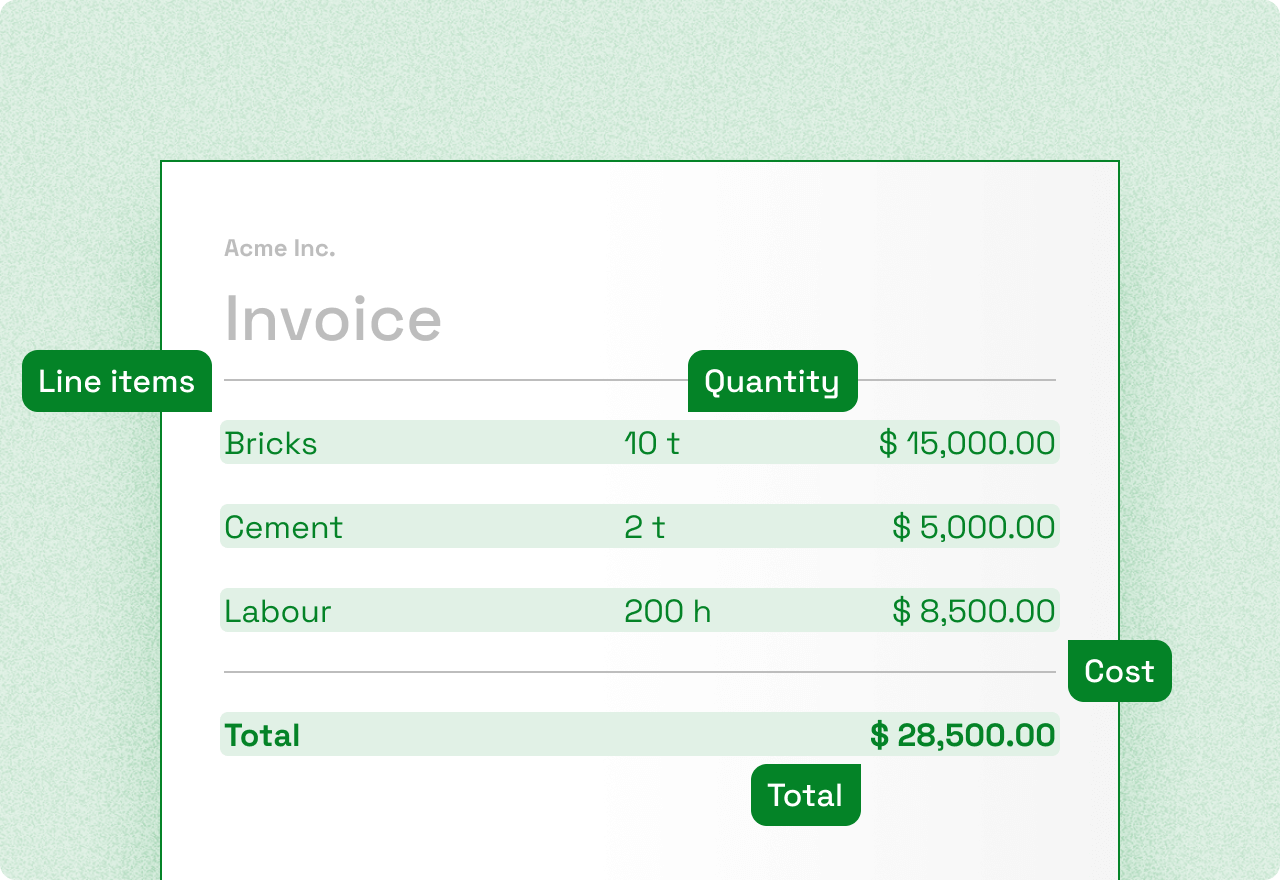
In this guide we'll explore calculating transaction document emission estimates using an invoice processed in Mindee.
Mindee performs OCR of receipts, the output of which is supported by Lune to estimate emissions.
Prerequisites
In order to proceed with the steps provided you need
- A Mindee account and are already scanning invoices.
- An invoice you want to create an emission estimate for
- A Lune API key
- cURL and jq installed or your preferred tools
Creating the transaction document estimate
The first thing is to extract the invoice information using Mindee. This can then be used as the unstructured data when contacting Lune.
Build a transaction document estimate request
here. The unstructured_data
property will be used to send Mindee response, adapt all other fields as you see fit.
For this example, let's make it a scenario where we know beforehand that all of our
receipts will be in USD and the category is cloud computing. To use the previously
extracted invoice information and contact Lune in order to create the transaction document estimate
we can use the sample command
Note: The command assumes the file downloaded in Mindee is called mindee.json and is
present in the folder where you are running the command, adapt the filename with the
correct path as necessary.
curl 'https://api.lune.co/v1/estimates/transaction-documents' \
  -H "Authorization: Bearer $API_KEY" \
  -H 'Content-Type: application/json' \
  -X POST \
  -d '{
    "currency": "USD",
    "merchant": {
      "category": "cloud computing"
    },
    "unstructured_data": {
      "key_value": '"$(cat mindee.json)"'
    }
  }' | jq